
Step by Step Payroll Setup for UK Small Businesses
- Richard Ellis
- Feb 24
- 10 min read


Starting payroll for your Garforth business can quickly turn from simple to stressful if vital details are missed. Every employer in the United Kingdom must collect specific information from staff and register with HMRC before their first payday, making accuracy and timing non-negotiable. This practical guide highlights key steps like gathering employee data, choosing payroll software, and verifying compliance, so you stay on top of regulatory demands and keep your financial records organised.
Table of Contents
Quick Summary
Key Point | Explanation |
1. Gather essential employee data | Collect full legal names, dates of birth, and National Insurance numbers for compliance with HMRC regulations. |
2. Choose suitable payroll software | Assess your business needs to select payroll software that automates calculations and integrates with accounting systems. |
3. Register with HMRC promptly | Complete employer registration online at least four weeks before your first payday to obtain a PAYE reference number. |
4. Input payroll data accurately | Ensure all payroll data, including salaries and deductions, is correctly entered in the software before processing payments. |
5. Maintain detailed payroll records | Keep organised records of employee data and submissions for compliance and audit purposes, retaining them for several years. |
Step 1: Gather essential employee and business details
You’re about to lay the foundation for smooth payroll management. This step involves collecting critical information from your employees and documenting your business details so you can run compliant payroll from day one.
Before your first employee’s payday, you’ll need to gather specific details from them. Start by collecting their full legal name, date of birth, and National Insurance number. You’ll also need their home address and contact information. These details are non-negotiable—HMRC requires them for tax and National Insurance purposes.
Ask your employee to provide their previous tax code if they’ve worked before. If they’re changing jobs, they may have a P45 form from their last employer, which contains crucial information. If they don’t have a P45, use the HMRC Starter Checklist to gather their tax status details.
On the business side, make sure you have:
Your company registration number (if limited company)
Your Unique Taxpayer Reference (UTR)
Your PAYE reference number from HMRC
Your business bank details for payment purposes
Contact details for your accountant or payroll provider
Keeping accurate records of both employee information and business details protects you from compliance issues and makes tax time infinitely easier.
You’ll also need to document whether each employee is employed full-time, part-time, or on a temporary contract. This affects how you calculate pay, National Insurance, and pension contributions. Record their start date clearly—this matters for statutory entitlements and holiday calculations.
Keep all this information securely stored. You’ll reference it constantly throughout employment, from calculating pay to processing starter forms. Digital storage is fine as long as it’s password-protected and backed up.
Pro tip: Create a simple employee information template spreadsheet with fields for name, NI number, tax code, and start date. Filling it out as you hire employees saves hours later and keeps everything organised.
Step 2: Select and configure payroll software
Choosing the right payroll software is a pivotal decision that will affect how efficiently you manage pay, tax, and compliance. Your software needs to calculate pay accurately, handle deductions, and report to HMRC electronically under Real Time Information (RTI) rules.
Start by assessing what your business actually needs. Are you a sole trader with one or two employees, or do you have a growing team? The complexity of your payroll will guide your choice. For very small operations, HMRC offers Basic PAYE Tools as a completely free option. This covers the essentials: recording employee details, calculating pay and deductions, and submitting returns to HMRC.
If you need more functionality, numerous commercial software providers exist. Look for solutions that offer:
Automated calculation of pay, tax, and National Insurance
Integration with your accounting software
Mobile access for payslips and employee records
Real Time Information (RTI) reporting built in
Support for pension contributions and statutory deductions
When evaluating options, consult the Chartered Institute of Payroll Professionals software directory to compare features across different providers. This resource helps you understand what each platform offers and whether it suits your business size and complexity.
Your payroll software should save you time, not create extra work—choose something your team will actually use.
Configuration is where precision matters. When you set up your chosen software, enter your PAYE reference number from HMRC, your company details, and your bank information. Test the system with a dummy payroll run before processing real payments. Check that tax codes calculate correctly and that deductions match your employee agreements.

Make sure your software integrates with your accounting records so you’re not entering data twice. This integration keeps everything synchronised and reduces errors significantly.
Pro tip: Request a free trial or demo before committing to paid software—most providers offer one, and testing with your actual employee data reveals whether the interface works for your business.
The following compares key types of payroll software available to UK businesses:
Software Type | Best For | Common Features |
HMRC Basic PAYE Tools | Sole traders, micro-businesses | Basic pay and deductions, free RTI reporting |
Commercial payroll software | SMEs to large companies | Automation, integration, pensions support |
Outsourced payroll services | Growing or complex businesses | Expert compliance, minimal admin, higher costs |
Step 3: Register with HMRC for payroll
Registering with HMRC as an employer is a legal requirement before you run your first payroll. This registration gives you a PAYE reference number and access to HMRC’s online services for reporting employee payments electronically.
You must complete this registration before your first employee’s payday. If you miss this deadline, you risk incurring penalties, so mark it as a priority. The good news is the process is straightforward and can be done entirely online.
Start by visiting the HMRC website and selecting the employer registration option. You’ll need to provide:
Your business name and address
Your National Insurance number (if sole trader) or company registration number (if limited company)
Details of your first employee and their start date
Expected annual payroll costs
Your business bank details
When you apply for employer registration with HMRC, the process typically takes a few weeks. HMRC will issue your PAYE reference number by post, which you’ll need to set up your payroll software and submit Real Time Information (RTI) returns.
Register at least four weeks before your first payday to allow HMRC time to process your application and post your reference number.
If you prefer not to register online, you can phone HMRC’s employer helpline to register by phone. However, online registration is faster and you’ll receive immediate confirmation that your application has been received.
Keep your PAYE reference number safe once it arrives. You’ll use it every time you submit payroll information to HMRC and when communicating with them about your account. Some payroll software providers can help you check whether you’ve registered correctly by testing your reference number.
Once registered, you’re ready to configure your payroll software and process your first employee payments with full compliance.
Pro tip: Register as soon as you know your first employee’s start date, not on the day they join. This gives HMRC time to process your application and prevents last-minute scrambling if your reference number hasn’t arrived.
Step 4: Input payroll data and process payments
This is where payroll moves from planning into action. You’ll input your employee data into your software, calculate deductions correctly, and submit everything to HMRC before payday arrives.
Start by entering each employee’s details into your payroll software. Input their gross salary, tax code, and National Insurance category. Your software will automatically calculate Income Tax and National Insurance deductions based on these figures. Double-check that the tax codes match what HMRC provided and what your employees confirmed during onboarding.
Next, add any additional payments or deductions specific to that pay period. This might include:
Overtime payments or bonuses
Pension contributions
Student loan repayments
Any other contractual deductions
Once you’ve entered all employee data, your software calculates the total deductions and net pay. Review these figures carefully before processing—mistakes here affect your employees’ take-home pay and your tax compliance.
When everything is correct, submit a Full Payment Submission (FPS) to HMRC on or before each payday. This electronic submission reports all employee payments and deductions to HMRC in real-time, ensuring they have accurate information for tax purposes.
Process your payroll at least two days before payday to account for software delays and banking processing times.
After submitting to HMRC, generate payslips for each employee from your software. Payslips should show gross pay, all deductions (itemised), and net pay. Employees must receive payslips on or before payday, either printed or digitally.
You also need to settle what you owe HMRC. Pay HMRC the deducted tax and National Insurance by the 22nd of the following month (or the 19th if posting a cheque). Smaller employers may qualify for quarterly payments instead.
Keep detailed records of every payroll run, including submission confirmations from HMRC and copies of payslips issued.
Pro tip: Set a calendar reminder for two days before payday to process payroll, giving yourself a buffer if questions arise. This prevents last-minute panic and ensures employees are paid on time consistently.
Step 5: Verify compliance and submit reports
Verifying compliance protects your business from penalties and ensures HMRC has accurate information about your payroll. This step involves reviewing your submissions, correcting errors promptly, and maintaining detailed records.
Before submitting any payroll reports, review your data thoroughly. Check that employee names, National Insurance numbers, and tax codes are correct. Verify that deductions match your records and that gross pay calculations align with employment contracts. Small errors compound quickly across multiple pay periods.
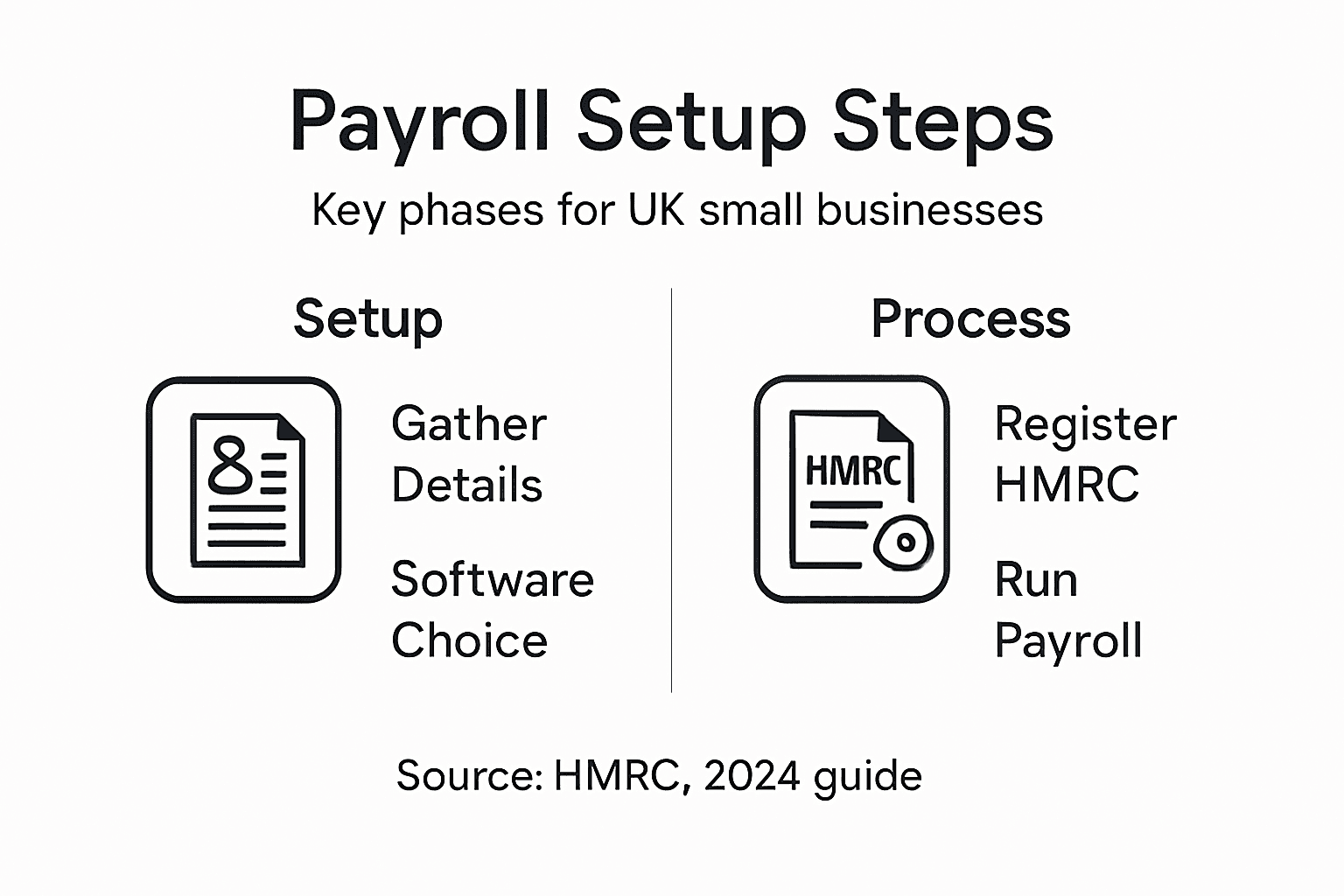
Your payroll software should generate two key reports for HMRC. The Full Payment Submission (FPS) reports individual employee payments and deductions on or before payday. The Employer Payment Summary (EPS) reports additional payments and adjustments. Both submissions must be accurate and timely to maintain compliance.
When you submit payroll reports to HMRC, your software typically handles this electronically. Check your submission confirmation from HMRC to confirm it was received and processed without errors. Keep these confirmations as evidence of compliance.
Late or inaccurate submissions can trigger HMRC penalties, so review everything before hitting submit.
If you discover an error after submitting, correct it promptly. Your software allows you to file amendments, but acting quickly minimises the risk of penalties. Document what went wrong and how you fixed it for your records.
Maintain organised payroll records including:
Here’s a summary of essential payroll records to maintain for compliance:
Record Type | Purpose | Retention Period |
Employee personal details | HMRC tax and NI compliance, audit reference | Duration of employment + 3 years |
Payslips issued | Evidence of payment and deductions | At least 3 years |
HMRC submission confirmations | Proof of regulatory submission | At least 3 years |
Amendments or corrections | Documentation of errors corrected | Indefinite for audit |
HMRC payment records | Proof of tax and NI remitted | At least 3 years |
Payroll submission confirmations
Employee payslips issued
Records of HMRC payments made
Any amendments or corrections filed
Supporting documents for unusual payments
Consult resources like CIPP payroll guidance when you’re unsure about compliance requirements. Tax and National Insurance regulations change, and staying informed prevents costly mistakes.
Review your payroll annually to ensure you’re still meeting all statutory obligations. Tax allowances, pension thresholds, and other factors change yearly, so what worked last year might need adjustment.
Pro tip: Create a simple checklist of compliance items to verify before each payroll run—employee details, tax codes, deductions, totals. Using the same checklist every time catches mistakes before HMRC does.
Simplify Your Payroll Setup with Expert Support from Concorde Company Solutions
Setting up payroll for your UK small business can feel overwhelming with all the details like employee tax codes, PAYE registration, and accurate deductions you must get right from the start. Common challenges include managing Real Time Information reporting, staying compliant with HMRC requirements, and safeguarding employee data securely. Missing deadlines or errors can cause stress and costly penalties.
Take the stress out of payroll management by partnering with Concorde Company Solutions. Our payroll management services guide you through every step, from gathering essential employee details to seamless software configuration and real-time HMRC submissions. We pride ourselves on personalised support tailored to your business needs and transparent pricing that fits your budget.

Don’t wait until payroll confusion affects your business. Visit Concorde Company Solutions today to get expert help that ensures compliance, accuracy, and timely payments. Connect with us now to streamline your payroll and focus on growing your business with confidence.
Frequently Asked Questions
What essential employee details do I need to collect for payroll?
To set up payroll, you must collect your employees’ full legal name, date of birth, National Insurance number, home address, and contact information. Ensure you also obtain their previous tax code or P45 form from their last employer to comply with tax regulations.
How do I choose the right payroll software for my business?
Selecting payroll software involves assessing the complexity of your payroll needs. Consider whether you have a small team with basic needs or a larger operation, and then explore options that offer automated calculations, integration capabilities, and mobile access.
What steps should I take to register with HMRC for payroll?
To register with HMRC, visit their online registration page, providing your business name, address, and National Insurance or company registration number. Complete this step at least four weeks before your first employee’s payday to ensure you receive your PAYE reference number on time.
How do I input payroll data and process payments?
Input employee details, including gross salary and tax codes, into your payroll software. Calculate any additional payments or deductions specific to that pay period, and ensure you submit a Full Payment Submission (FPS) to HMRC before payday to remain compliant.
What records do I need to maintain for payroll compliance?
Maintain organised records, including employee personal details, payslips issued, HMRC submission confirmations, and any amendments made. Keep these records for at least three years, as they are essential for compliance verification and audits.
How can I verify the compliance of my payroll submissions?
Review your employee data, including names and tax codes, for accuracy before submitting payroll reports. Implement a simple checklist to ensure all compliance items are verified, which will help catch mistakes before they are submitted to HMRC.
Recommended
Comments