
Master Payroll Processing Workflow for Accurate UK Compliance
- Richard Ellis
- Feb 22
- 9 min read


Managing payroll in Leeds or Garforth means juggling strict HMRC requirements with the daily realities of running a small business. Missing a key detail during setup or payroll runs can quickly lead to compliance issues, unhappy employees, and unexpected penalties. This guide addresses the practical steps every local employer needs for accurate payroll records, legal compliance, and secure employee data so you can focus on your business with confidence.
Table of Contents
Quick Summary
Important Point | Explanation |
1. Register with HMRC as an employer | Obtain your PAYE reference number to legally manage payroll and report tax submissions accurately. |
2. Collect and secure employee information | Gather essential data such as names, addresses, and National Insurance numbers, and ensure it is stored according to UK GDPR regulations. |
3. Accurately calculate gross pay and deductions | Understand gross pay components, and apply deductions in the correct order to avoid compliance issues and employee disputes. |
4. Submit payroll on or before payday | Process payroll timely to ensure employees receive payslips on time and avoid triggering penalties from HMRC. |
5. Verify compliance before finalising submissions | Review payroll records for accuracy and ensure FPS is submitted correctly to maintain compliance with HMRC regulations. |
Step 1: Set up payroll records and employee details
Setting up your payroll records properly from the start prevents compliance headaches later. This step forms the foundation of accurate, legally compliant payroll processing that keeps your Leeds or Garforth business on the right side of HMRC.
Before you can run payroll, you must register with HMRC as an employer and obtain your PAYE reference number. This registration gives you the legal authority to operate payroll and allows HMRC to track your tax and National Insurance submissions. Once registered, you’ll receive login credentials to access your PAYE online account.
Now comes the detailed part. You need to collect and securely store comprehensive employee information:
Full legal names (exactly as they appear on identity documents)
Home addresses and contact details
Dates of birth
National Insurance numbers
Current tax codes from HMRC
Emergency contact information
Bank details for salary payments
Keep this data safe. Employee personal data falls under UK GDPR protection, meaning you must handle it responsibly and store it securely.
Your next task involves selecting HMRC-compliant payroll software. The software must record employee information accurately, calculate gross pay with the correct deductions, and submit real-time information to HMRC. Many small businesses in Leeds and Garforth find that cloud-based solutions offer flexibility without the complexity of on-premises systems.
Maintaining accurate payroll records is a legal requirement, not optional. You must keep detailed records covering employee pay, all deductions, payments made to HMRC, leave and sickness absence, tax code notices, and any benefit expenses. Store these records for at least three years after the end of the relevant tax year—HMRC may audit your records to verify correct tax and National Insurance calculations.
Getting these fundamentals right at the start prevents costly errors and HMRC compliance issues down the line.
Pro tip: Create a standardised employee onboarding checklist covering all required information collection, verification steps, and document storage locations. Use this consistently for every new hire to ensure nothing gets missed and data quality remains uniform across your payroll records.
Step 2: Calculate gross pay and deductions accurately
Getting your payroll calculations right is critical. One miscalculation ripples through your entire compliance picture, potentially triggering HMRC penalties and employee disputes.
Start by understanding what makes up gross pay. This includes your employee’s base salary, any bonuses they’ve earned, overtime payments, and statutory payments like statutory sick pay or maternity allowance. Calculate this first before applying any deductions.

Next, gather all the information you need for accurate deductions. You’ll require each employee’s current tax code from HMRC, their National Insurance category letter, details of any pension contributions they’ve authorised, and information about student loans or other court orders affecting their pay.
Now apply deductions in this order:
Income Tax based on their tax code and the current tax bands
Employee National Insurance contributions using the correct threshold
Pension contributions (usually auto-enrolment contributions)
Student loan repayments if applicable
Any other court-ordered deductions
Using up-to-date tax bands and thresholds matters enormously. Tax rates change annually, National Minimum Wage thresholds shift, and pension auto-enrolment rules evolve. Your payroll software should update automatically, but you’ll want to verify it has the latest rates before processing payroll.
Employer National Insurance contributions come out of your business funds, not the employee’s pay. Calculate these separately based on their earnings and any employment allowance you qualify for.
Real Time Information reporting to HMRC happens through your payroll software, which submits your calculations electronically. This means accuracy at the point of calculation prevents reporting errors.
Double-check your net pay calculation by adding up all deductions and subtracting from gross pay. The result should match what actually goes into the employee’s bank account.
Accurate calculations prevent underpayment penalties, keep employees satisfied, and demonstrate HMRC compliance from day one.
Pro tip: Run a test payroll cycle for one employee before processing everyone’s salaries, verifying all deductions calculate correctly and the net pay matches your manual calculation. This catches software setup errors before they affect your entire workforce.
Step 3: Run payroll and distribute payslips
This is where your preparation transforms into action. Running payroll properly ensures employees get paid accurately and on time whilst keeping HMRC satisfied with your compliance.
On your chosen payday, compile all the information you’ve gathered. Record each employee’s hours worked (if applicable), any bonuses or statutory payments due, and verify that all previous deductions remain current. Your payroll software will calculate the net pay based on the figures you’ve already set up.
Before hitting the button to process, do a final sanity check. Review the payroll run summary to confirm it looks correct. Check that salary amounts match what you’ve agreed with employees, and verify no one is missing from the run who should be included.
Once you’re confident, process the payroll. Your software will generate several critical documents:
Individual payslips for each employee
A Full Payment Submission (FPS) for HMRC
A summary of employer National Insurance contributions
Payment instructions to your bank
Payslips must reach employees on or before payday and clearly show gross pay, each deduction itemised separately, and the net amount due. This transparency builds trust and allows employees to verify accuracy.
Your Real-Time Information submission to HMRC must go out on or before payday as well. Submitting FPS returns late creates compliance issues. Most payroll software submits automatically once you process, but confirm your system does this.
Pay HMRC what you owe. If paying electronically, deadline is the 22nd of the following month. If posting a cheque, it’s the 19th. Mark these dates in your calendar to avoid penalties.
Distribute payslips securely to employees. Whether via email, secure portal, or printed copy, ensure each person receives only their own information.
Running payroll on time with accurate payslips demonstrates professionalism and keeps your team confident in your financial management.
Pro tip: Set up automatic payment to HMRC through your bank on the 20th of each month so you never miss the deadline, and schedule a calendar reminder one week before to review your payroll report before processing.
Step 4: Verify compliance and finalise HMRC submissions
This final step locks in your compliance for the payroll period. Getting it right prevents penalties and gives you peace of mind that everything’s been reported correctly.
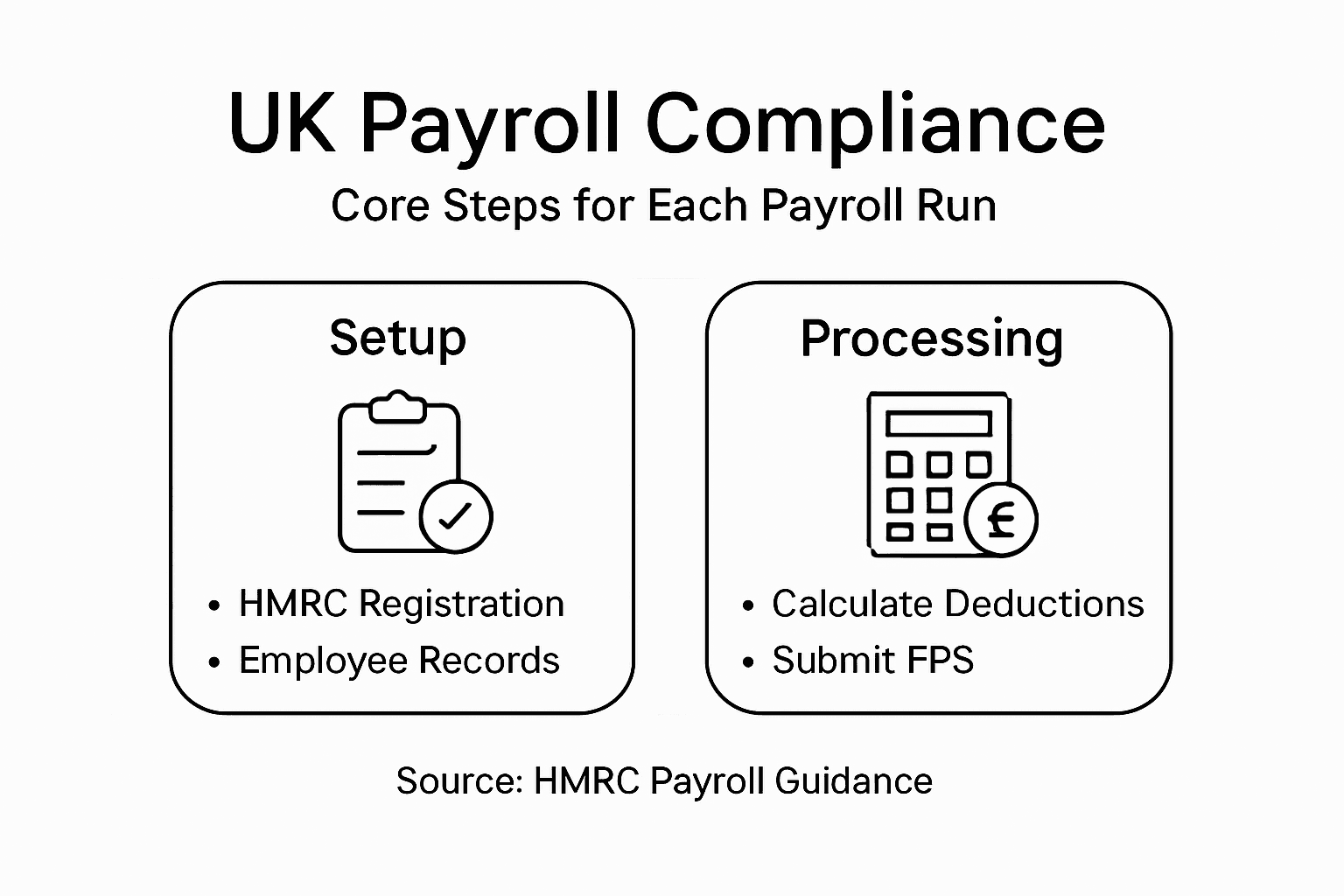
Start by reviewing your payroll records thoroughly. Check that every employee who worked during the period appears in your submission, that pay amounts match what was actually distributed, and that all deductions have been calculated and recorded accurately. Small errors compound quickly across multiple employees.
Your Full Payment Submission (FPS) is the core document HMRC expects. This contains detailed payroll data for every employee including gross pay, each deduction itemised, and National Insurance contributions. Submitting FPS on or before payday is non-negotiable for UK compliance.
If you’ve discovered errors after submission, don’t panic. You can correct them by submitting an amended FPS showing what should have been reported. HMRC accepts these corrections, but it’s better to catch mistakes before the initial submission.
For months when no payroll runs, you’ll submit an Employer Payment Summary (EPS) instead. This tells HMRC you’ve had no pay to report or that you’re claiming payment adjustments like the employment allowance.
Here’s a summary of key differences between FPS and EPS submissions for HMRC payroll compliance:
Submission Type | Purpose | When to Submit | Common Triggers |
FPS (Full Payment Submission) | Reports employee pay and deductions | On or before each payday | Standard payroll months, new starters, pay changes |
EPS (Employer Payment Summary) | Confirms no pay or reporting adjustments | After month-end if no payroll processed | No payroll this month, adjusting for employment allowance or statutory payments |
Verify these key compliance points before finalising:
FPS submitted by payday deadline
All employee records included and accurate
Deductions calculated correctly throughout
Payment to HMRC scheduled for the 22nd (or 19th if posting cheque)
Records retained for three years minimum
Once you’ve confirmed everything, your submissions are final. HMRC processes these electronically, and your payroll system typically sends them automatically, but confirm this happened in your software.
Essential HMRC deadlines vary throughout the tax year, so keep them visible on your calendar or set automated reminders.
This table provides a reference for payroll deadlines relevant to UK businesses:
Task | Deadline | Relates To |
FPS submission | On or before payday | Reporting employee wages |
HMRC electronic payment | 22nd of following month | Settling PAYE and NIC liability |
HMRC payment by post | 19th of following month | Cheques for PAYE and NIC |
Record retention | 3 years after tax year end | All payroll records for HMRC audits |
Thorough verification before finalising submissions prevents the stress of corrections and keeps your business compliant month after month.
Pro tip: Keep a simple compliance checklist for each payroll run documenting verification steps completed, dates submissions were sent, and confirmation of HMRC receipt. This creates an audit trail protecting your business if HMRC ever questions your submissions.
Streamline Your Payroll Compliance with Expert Support
Mastering the intricate UK payroll process can feel overwhelming, especially when handling crucial steps like accurate gross pay calculation, timely HMRC submissions, and safeguarding sensitive employee data. Missing a single requirement risks costly penalties and undermines employee trust. If you aim to maintain flawless payroll records, meet HMRC deadlines, and minimise errors, personalised professional support is essential.

Partner with Concorde Company Solutions, based in Garforth, Leeds, to take the stress out of your payroll management. We specialise in tailored payroll services designed to keep your business compliant with every HMRC regulation. From setting up employee records correctly to running payroll and finalising submissions, our expert team offers transparent pricing and responsive service that fits your unique needs. Act now to protect your business and employees by visiting our website and discover how we can help you confidently navigate the payroll workflow. Explore how our payroll management solutions can simplify your monthly processes and build long-term compliance security.
Frequently Asked Questions
How do I set up payroll records for my business?
To set up payroll records, first register with HMRC as an employer to obtain your PAYE reference number. Next, collect and securely store detailed employee information such as names, addresses, National Insurance numbers, and tax codes.
What are the key components of gross pay that I need to calculate?
Gross pay includes an employee’s base salary, bonuses, overtime payments, and statutory payments like sick pay or maternity allowance. Ensure you have all relevant details before calculating to avoid errors in payroll processing.
How can I ensure deductions from employee pay are accurate?
To ensure accurate deductions, gather each employee’s current tax code, National Insurance category, pension contributions, and any relevant court orders. Apply deductions in the correct order, starting with income tax and ending with any other deductions like student loan repayments.
When should I distribute payslips to employees?
Payslips must be distributed to employees on or before payday to ensure transparency and allow them to verify their pay accuracy. Always ensure that payslips itemise gross pay and deductions clearly for each employee.
How can I verify my payroll compliance with HMRC?
Verify compliance by reviewing payroll records to confirm that all employee details, pay amounts, and deductions are accurate before finalising your Full Payment Submission (FPS). Schedule your reviews ahead of payroll periods to ensure all aspects of compliance are covered.
What should I do if I make an error after submitting payroll?
If you discover an error after submitting, you can submit an amended FPS detailing the correct information. It’s best to check for mistakes before the initial submission, but if needed, act promptly to correct any inaccuracies.
Recommended

Comments