
Best 6 Company Tax Return Software – Expert Comparison 2025
- David Rawlinson
- Dec 10, 2025
- 15 min read

Choosing the right accounting platform can shape how quickly your business moves, how confident you feel about compliance and even how much time you save each week. Whether you want hands-on guidance or smart digital tools, the differences between today’s options can be surprising. Each offers its own blend of personal support, simple automation and convenient access, making it worth taking a closer look. What features could save you stress and which service matches your way of working best
Table of Contents
Concorde Company Solutions
At a Glance
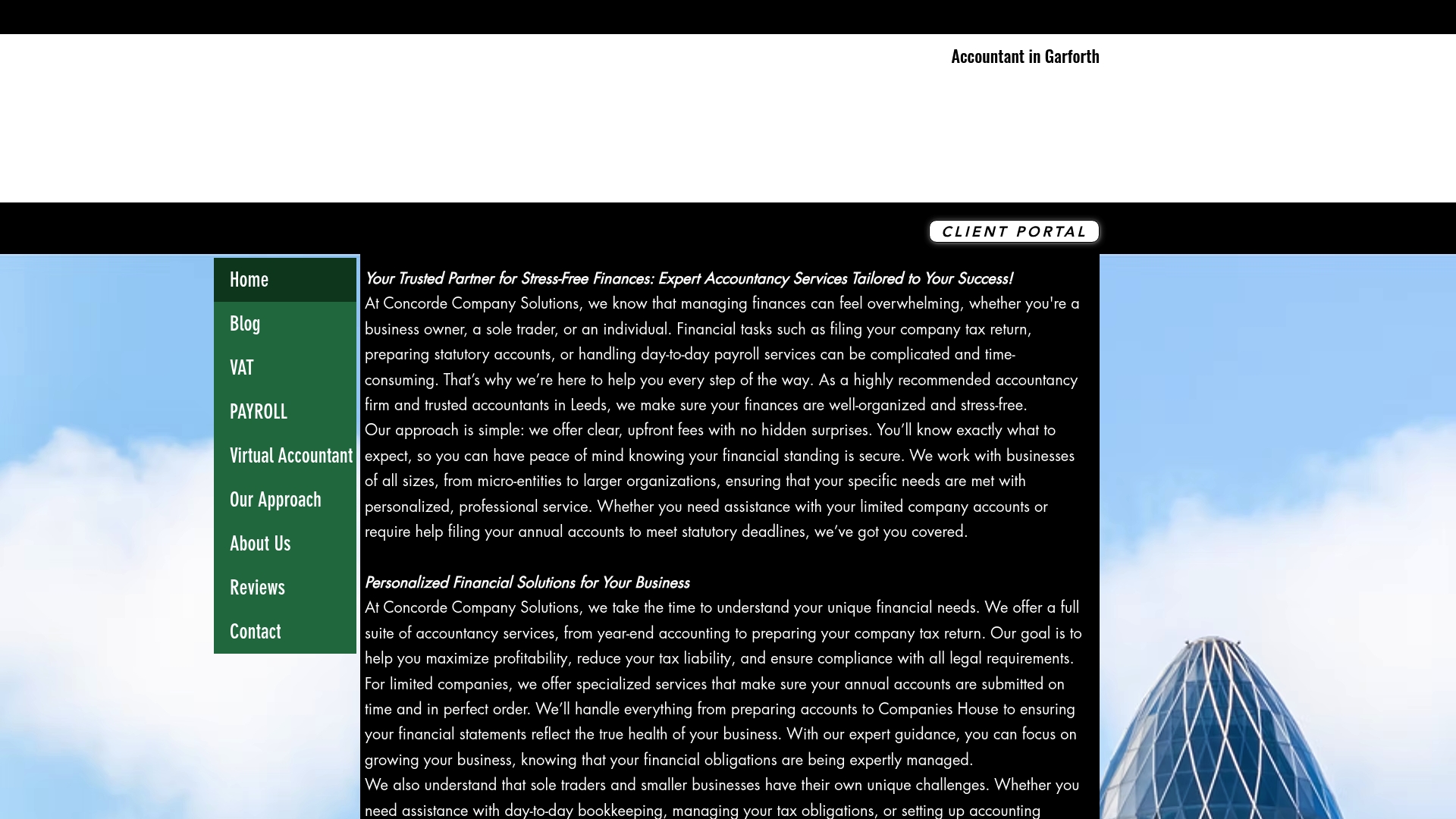
Concorde Company Solutions is a Garforth, Leeds accountancy firm that combines traditional, personalised advice with a clear, modern approach to fees and service. The site communicates year-end accounting, company tax returns, payroll, bookkeeping and software setup succinctly, making it easy for businesses to see what they get. Though the website is deliberately minimalistic with limited functionality, that simplicity reinforces trust and speeds decision-making. If you value a local, responsive partner that prioritises compliance with HMRC and long-term relationships, this is an excellent choice.
Core Features
Concorde provides comprehensive accountancy services including year-end accounting and statutory accounts, managed and outsourced payroll, bookkeeping, company tax returns and tailored financial advice. Services are personalised to the size and complexity of your organisation, from micro-entities and sole traders to larger limited companies. The site emphasises clear, upfront pricing and no hidden fees, and staff offer practical software setup to get your bookkeeping and payroll running smoothly. The minimalistic website design is a conscious choice: it focuses on clear messaging and contact routes rather than feature-heavy self-service portals, which suits clients seeking human-led support.
Pros
Personalised service for each client: Concorde tailors its accounting and advisory work to the precise needs of your business rather than applying a one-size-fits-all template.
Transparent pricing with no hidden fees: The firm clearly states that fees are upfront, helping you budget without unpleasant surprises.
Comprehensive service range: From statutory accounts to payroll outsourcing and software setup, Concorde covers the core financial functions most small businesses need.
Local, experienced team in Leeds and Garforth: Being local means quicker, more familiar communication and a firm understanding of regional business conditions.
Focus on long-term relationships: The practice emphasises ongoing support and responsiveness, positioning itself as a partner in your business growth.
Who It’s For
Concorde is ideal for businesses and individuals in Leeds and Garforth who prefer a trusted, human-led accountancy relationship. It suits sole traders, micro-entities and limited companies that want clear fees, reliable HMRC compliance and practical payroll or bookkeeping outsourcing. If you value face-to-face or locally responsive advice over impersonal, app-driven solutions, Concorde fits perfectly.
Unique Value Proposition
Concorde’s strength lies in combining granular, personalised accountancy with transparent commercial terms and a local presence. Unlike impersonal platforms that push clients towards self-service, Concorde deliberately retains a human-centred model: you get bespoke year-end accounts, tailored tax planning and outsourced payroll backed by a team that understands local business realities. The minimalistic website reflects a strategic focus on clarity and relationship-building rather than feature overload, which reduces client friction and builds trust. For businesses seeking not just compliance but a proactive financial partner that aligns with long-term goals, Concorde offers superior value through tailored service, clear pricing and responsive local support.
Real World Use Case
A small business owner in Leeds engages Concorde to prepare annual accounts, file company tax returns and manage outsourced payroll. With bookkeeping and software setup handled by Concorde, the owner spends less time on admin and more time on business development, confident that HMRC obligations are met and that a trusted advisor is available for strategic questions.
Pricing
Concorde advertises clear, upfront fees with no hidden surprises; however, specific price points are not provided on the site. Pricing appears to be tailored to the scope and size of each client engagement.
Sage
At a Glance
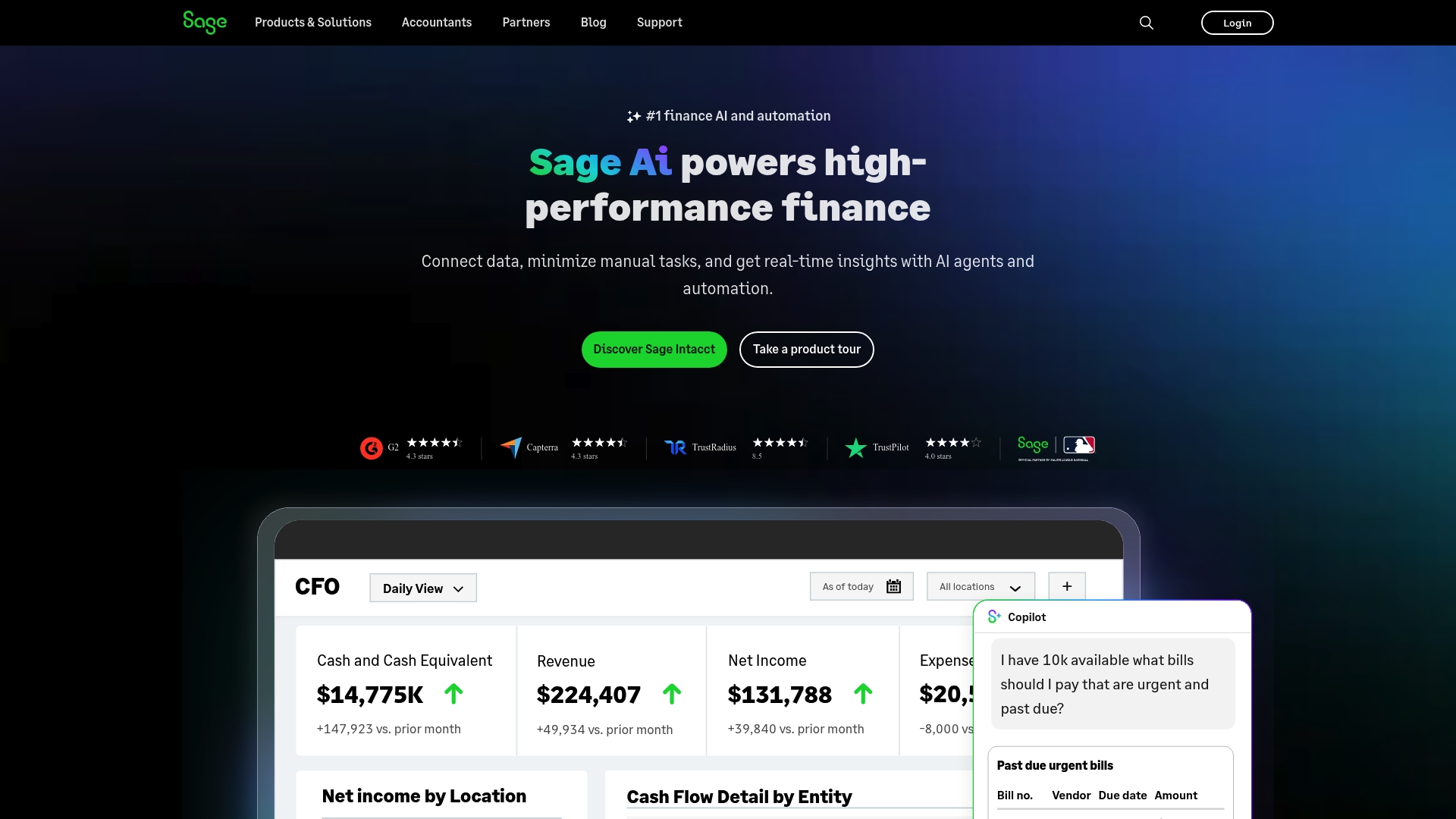
Sage is a mature provider of cloud accounting, financial management and ERP solutions with a global footprint and a broad partner ecosystem. Its strength lies in offering purpose-built products — Sage Intacct, Sage X3 and Sage 300 — that cover everything from core accounting to next-generation enterprise resource planning. For businesses seeking proven technology and extensive support, Sage is a safe, professional choice. Not perfect for everyone. Choice can be complex.
Core Features
Sage delivers a suite of cloud-focused financial tools: Sage Intacct for cloud accounting and financial management, Sage X3 as a next-generation ERP, and Sage 300 for broader business management needs. The platform is backed by a global support network and 40,000+ partners, and the company has won awards for customer support and innovation. Key capabilities emphasise cloud financial control, ERP-driven process improvement, business process automation and data visualisation via dashboards and analytics.
Pros
Forty years of experience: Sage brings over four decades of expertise to its product development and customer support, which provides reassurance when you plan long-term financial systems.
Large global customer base: With around 2 million customers in 26 countries, Sage demonstrates scalability and real-world validation across industries.
Range of tailored solutions: The product family caters to differing business sizes and complexity, from cloud accounting to enterprise ERP, allowing you to pick a solution that fits growth plans.
Extensive partner network: Having more than 40,000 partners means you can access local implementation and support resources, which is invaluable for complex deployments.
Recognition for innovation and service: Awards for customer support and innovation suggest a continual investment in product improvement and client experience.
Cons
Lack of transparent pricing: The available content does not specify pricing, which makes budgeting and comparison more difficult for smaller organisations.
Potential complexity for smaller businesses: The breadth of options can overwhelm small firms or sole traders when choosing the most appropriate solution without guided consultancy.
No detailed product limitations listed: The public information here does not disclose specific technical limitations or licence constraints, which means you must probe further during evaluation.
Who It’s For
Sage is best suited to businesses of various sizes that require cloud-based financial systems or ERP functionality and value a strong partner network to support implementation. If you are pursuing digital transformation, automation, or need enterprise-grade accounting and ERP capabilities, Sage is a compelling candidate. If you run a micro-entity with simple needs, prepare for a selection process.
Unique Value Proposition
Sage combines decades of experience with a modular product family and an extensive global partner ecosystem, offering continuity and local support at scale. Its value proposition is the ability to serve both financial teams and operational functions through integrated cloud solutions backed by recognised customer service.
Real World Use Case
A manufacturing company implements Sage X3 to unify finance, production and supply chain processes. By moving to the cloud they gain consolidated dashboards, streamlined operations and improved compliance — supporting growth and providing clearer management information.
Pricing
Not specified in the web content; prospective buyers will need to request quotes or speak to a Sage partner to obtain tailored pricing information.
Website: https://sage.com
Xero
At a Glance
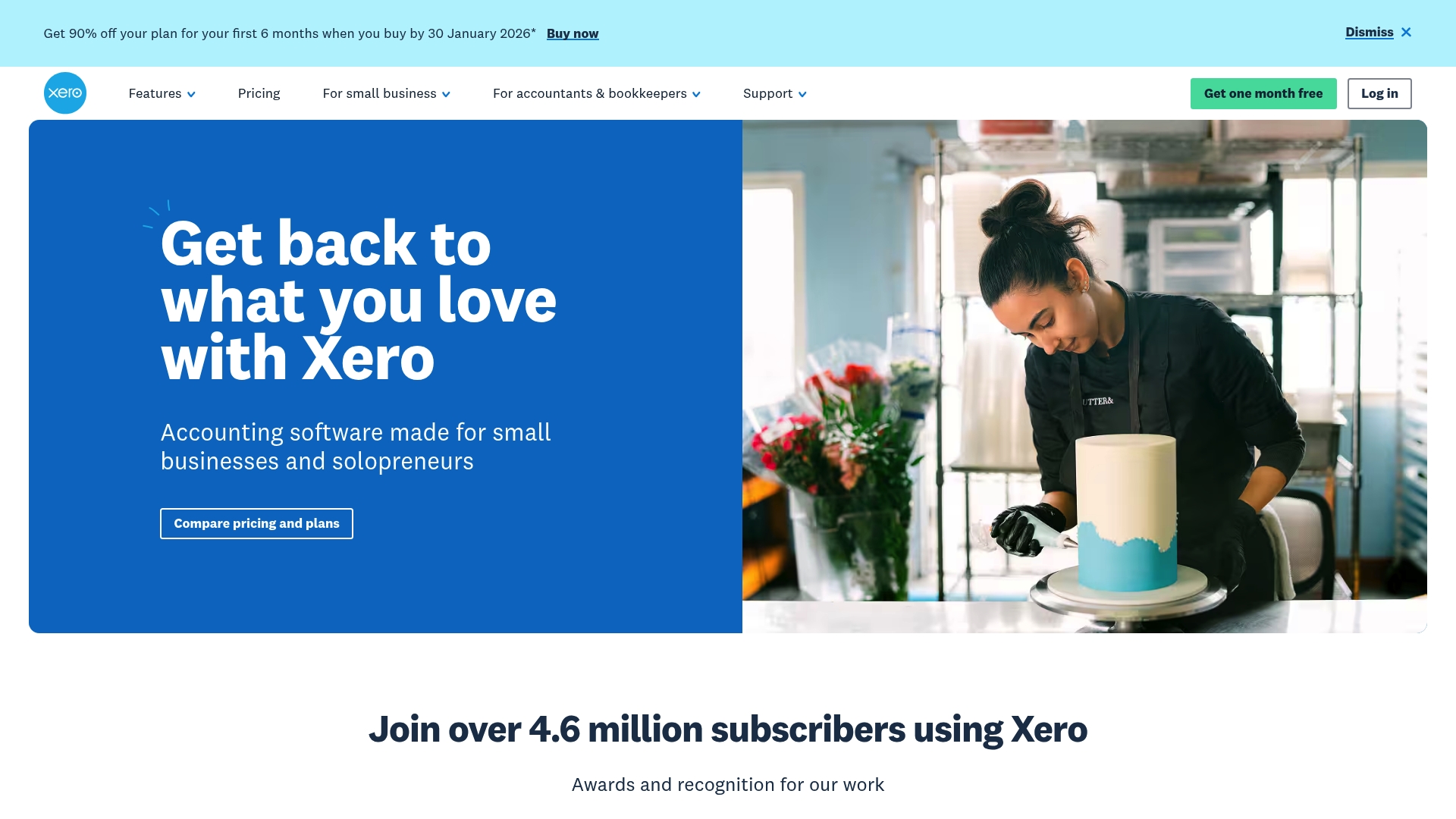
Xero is a cloud-based accounting platform built for small businesses and solopreneurs that prioritises paperless record keeping and automation. It bundles bank reconciliation, invoicing, real-time reporting and multi-currency support into a single, accessible interface trusted by over 4.6 million subscribers. The platform leans heavily on integrations and automation tools such as Jax and Hubdoc to reduce manual work. For growing businesses that value visibility and efficiency, Xero offers a compelling, scalable option.
Core Features
Xero’s core is a cloud-based accounting system that automates bank transaction reconciliation and streamlines invoicing and quote sending. Real-time reporting and analytics provide immediate financial insights, while multi-currency and project-tracking tools support service-based and export-facing operations. The product integrates with Hubdoc for data capture and with payroll solutions like Gusto Payroll, and offers customisable dashboards and KPI analysis to help you spot trends quickly. Regular updates and onboarding support further smooth the adoption process.
Pros
Accessible and user-friendly: Xero is user-friendly and accessible from anywhere with an internet connection, which helps business owners manage finances on the move.
Time-saving automation: The platform’s automation features, including automated reconciliation and Hubdoc capture, significantly reduce manual bookkeeping time.
Real-time financial insight: Real-time reporting and customisable dashboards give you the data needed to make faster, evidence-based decisions.
Strong security posture: Xero maintains robust security and data-privacy measures to protect sensitive financial information.
Extensive integrations: A wide ecosystem of apps and integrations means you can extend functionality to payroll, CRM, inventory and more.
Cons
Cost for very small businesses: Pricing may be high for very small or new businesses, particularly once add-ons and multiple organisations are required.
Limited offline capability: Xero is largely cloud-dependent and has limited offline features, which can be inconvenient if you lose connectivity.
Feature gating behind tiers: Some advanced functionality requires add-ons or higher-tier plans, so you may pay more as your needs grow.
Who It’s For
Xero suits small businesses, sole traders and service providers who want cloud-first accounting with automation and multi-currency capabilities. It particularly benefits those who prioritise real-time reporting and who plan to scale operations or add integrations over time. If you need straightforward onboarding and ongoing updates, Xero is a practical fit.
Unique Value Proposition
Xero’s unique value lies in combining a cloud-native ledger with powerful data capture and automation tools such as Hubdoc and the AI superagent Jax, plus an extensive integration ecosystem. That mix turns routine bookkeeping into a more strategic function, freeing you to focus on growth rather than reconciling ledgers.
Real World Use Case
A small retail business uses Xero to manage sales, expenses and inventory, automate invoicing, and produce financial reports that inform pricing and stock decisions. The automated bank reconciliation and Hubdoc capture cut bookkeeping time, while project tracking helps allocate costs to specific jobs.
Pricing
Plans start at $2.50 USD per month for the Early plan (discounted from $25), $5.50 USD per month for Growing, and $9 USD per month for Established, with a free first month for any plan. Special discounts are available for the first six months, and options exist for multiple organisations and annual payments.
Website: https://xero.com
QuickBooks
At a Glance
QuickBooks is a comprehensive, cloud-based accounting platform that centralises invoicing, expense tracking, payroll and inventory workflows into a single, device‑agnostic experience. Its AI automation helps reduce manual categorisation and reconciliation, while integrations with hundreds of third‑party apps let you extend functionality without rebuilding processes. For small to medium-sized businesses seeking scalability and collaboration with accountants, QuickBooks is a pragmatic choice — though very small or new businesses may find the breadth of features initially daunting.
Core Features
QuickBooks offers AI automation for categorising and reconciling transactions, invoicing and billing management, expense tracking, payroll processing and inventory management (available in select plans). It also provides financial reporting and analytics, customer lead management with follow-ups, and proactive payment collection strategies. The platform integrates with over 800 third‑party apps, and QuickBooks Online delivers access from any device alongside access to trusted experts for tailored support.
Short. Clear. Useful.
Pros
Cloud accessibility: Because QuickBooks is cloud‑based, you can access your accounts from any device, which makes remote work and collaboration straightforward.
Extensive integrations: Integration with over 800 third‑party apps lets you connect your accounting system to CRMs, ecommerce platforms and banking services without duplicating work.
Time-saving AI automation: AI tools automate transaction categorisation and reconciliation to improve accuracy and reduce time spent on routine bookkeeping.
Collaborative support: The platform supports collaboration with accountants and bookkeepers, enabling shared access and easier communication around tax returns and statutory accounts.
Customisable plans: QuickBooks offers customisable plans to suit different business sizes and needs, allowing you to enable payroll or inventory only where required.
Cons
Pricing transparency: Pricing details are not fully specified in the provided content, which makes direct cost comparisons and budgeting harder for prospective users.
Feature availability by plan: Some features, such as advanced inventory management, are available only in specific plans, so you may need to upgrade as your business grows.
Overwhelming feature set: The extensive feature set might be overwhelming for very small or newly established businesses that only need basic bookkeeping.
Who It’s For
QuickBooks is aimed at small to medium-sized business owners who want a scalable, cloud-based accounting solution with automation and collaboration features. It suits retail operators that manage stock, service firms that require payroll automation, and businesses that plan to grow and integrate other apps into their finance stack. If you work with an accountant remotely, QuickBooks facilitates shared workflows and clearer communication.
Unique Value Proposition
QuickBooks combines automated bookkeeping with a broad integration ecosystem and access to expert support, delivering a single platform that grows with your business. Its strength lies in replacing fragmented spreadsheets and manual tasks with AI-driven processes and seamless accountant collaboration.
Real World Use Case
A small retail business uses QuickBooks Online to automate invoicing, track daily expenses, manage inventory levels in selected plans, prepare monthly financial reports, and collaborate remotely with their accountant to submit accurate company tax returns and statutory accounts.
Pricing
See plans & pricing — specific prices are not provided in the supplied content, so review the plan tiers on the website to confirm which features sit in each plan.
Website: https://quickbooks.intuit.com
FreeAgent
At a Glance
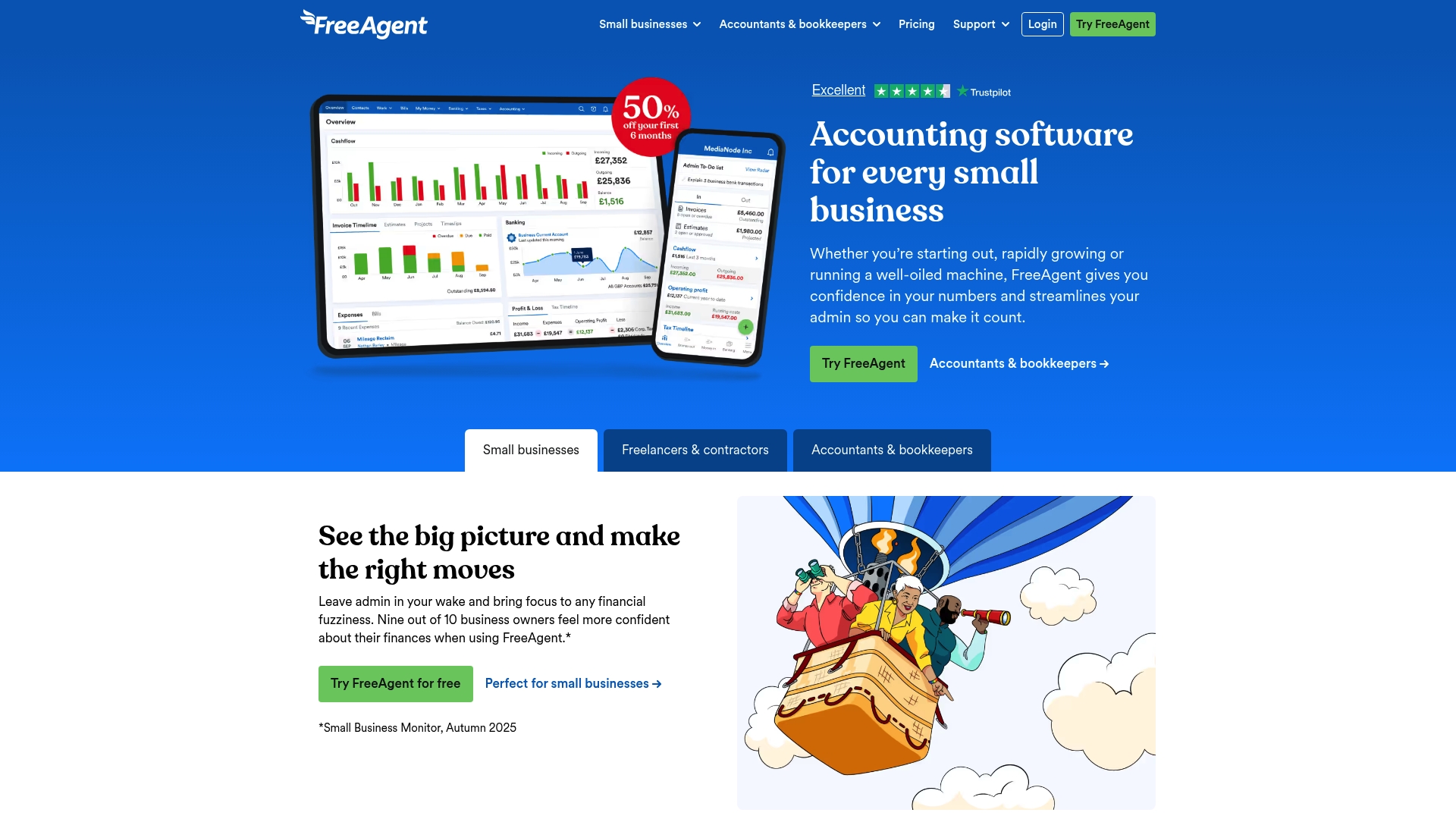
FreeAgent is a straightforward accounting platform aimed squarely at small businesses, freelancers and landlords who want to cut administration and stay compliant with HMRC. It combines invoicing, cashflow forecasting, payroll and tax return functionality in a single, easy-to-navigate interface. The system is HMRC-recognised and built to support real-time collaboration with your accountant, which reduces friction at filing time. In short: practical, well connected and designed for users who prefer simplicity over complexity.
Core Features
FreeAgent offers cashflow forecasting and day-to-day cash management, integrated invoicing with automatic reminders and online payment options, and an HMRC-recognised payroll module for RTI submissions. Tax-related automation covers VAT and Self Assessment filings, while receipt and expense capture help you track costs on the move. The platform also prioritises collaboration, allowing accountants to access live records so that reconciliations and advice happen in real time.
Pros
FreeAgent presents a user-friendly interface designed specifically for small businesses and freelancers, making routine tasks quicker to complete.
It bundles comprehensive features — payroll, invoicing and tax automation — so you can manage most accounting needs without multiple systems.
Integration with HMRC for digital tax reporting reduces the risk of human error and speeds up statutory submissions.
Eligible bank account holders can access free options, which lowers the barrier for new users to try the software.
A strong support network, including UK-based account managers, provides localised assistance when matters become unfamiliar.
Cons
Pricing can be higher than some competitors once you include necessary add-on features, which may push up ongoing costs.
The product offers limited stock and inventory management features, so businesses with complex inventory needs will find it insufficient.
FreeAgent is cloud-based and dependent on an internet connection for access and updates, which can be inconvenient when connectivity is poor.
Who It’s For
FreeAgent suits small business owners, sole traders, landlords and accountants who need an HMRC-compatible accounting system that is simple to learn and reliable in operation. If you value live collaboration with an accountant and want integrated payroll and tax filing without the overhead of enterprise software, this is a sensible match.
Unique Value Proposition
FreeAgent’s strength lies in blending HMRC recognition with a clean, approachable user experience and accountant collaboration tools. Rather than offering an intimidating feature set, it focuses on the workflows most small businesses need: invoicing, expenses, payroll and tax. That emphasis on simplicity and compliance is its clearest advantage.
Real World Use Case
A small business owner uses FreeAgent to issue invoices, chase late payments with automated reminders, record receipts via a smartphone and run payroll so staff are paid accurately and RTI returns are submitted to HMRC. The owner’s accountant reviews books in real time, advises on tax planning and lodges Self Assessment submissions directly from the system — saving hours each quarter and reducing filing errors.
Pricing
Pricing begins with a 30-day free trial. Monthly plans typically start at around £16.50 for the first six months with introductory discounts, before moving to approximately £33 per month at the standard rate. Optional add-ons, such as receipt and bill capture or marketplace integrations, incur additional monthly charges, though annual billing can offer savings.
Website: https://freeagent.com
KashFlow
At a Glance
KashFlow is an online accounting system built for small businesses, sole traders and growing companies in the UK. It bundles everyday bookkeeping tasks — invoicing, bank reconciliation and VAT submissions — into a user-friendly interface so you spend less time on admin and more on running your business. It’s particularly strong on Making Tax Digital compliance and payment integration, but some advanced capabilities sit behind higher-tier plans.
Core Features
KashFlow provides online accounting and bookkeeping management with VAT management and online submissions tailored to UK requirements, including Making Tax Digital. You can generate branded invoices and quotes, link bank accounts for automatic reconciliation, add ‘pay now’ buttons to speed up receipts and track expenses and mileage. The platform offers custom dashboards and detailed reports on profit & loss and stock, multi-user access with permission controls, multi-currency support and automation via Zappe, plus a mobile app for managing accounts on the go.
Pros
User-friendly interface: The platform is designed for users with little accounting experience, making everyday tasks straightforward without a steep learning curve.
Comprehensive feature set: KashFlow combines invoicing, VAT filing, bank reconciliation and reporting in a single package, reducing the need to piece together multiple tools.
Supports multiple users and payment methods: Multi-user access with permission controls and integrated payment options help teams collaborate and get paid faster.
Mobile access for remote management: The mobile app lets you create invoices and reconcile transactions away from the desk, which suits busy owners on the move.
Affordable annual pricing options: Monthly plans are competitively priced with discounts for annual subscriptions, helping businesses manage ongoing costs.
Cons
Higher relative cost for the smallest businesses: The entry-level price may feel high for brand-new sole traders operating on tight margins.
Advanced features behind higher tiers: Some of the more sophisticated functions require upgrading, which can increase total cost as your needs grow.
Limited customisation: Compared with some competitors, KashFlow offers fewer options to customise workflows and reports to very specific business processes.
Unspecified support details: Support response times and availability are not detailed in the product information, which can leave buyers uncertain about post-sale help.
Who It’s For
KashFlow suits small business owners, sole traders, contractors and growing companies in the UK who want a straightforward digital accounting solution that supports VAT compliance and faster payments. If you value simplicity, Making Tax Digital compatibility and an integrated payments workflow, KashFlow is a sensible choice.
Unique Value Proposition
KashFlow’s strength lies in combining UK-focused VAT and Making Tax Digital compliance with practical payment integrations and easy invoicing. It reduces friction between invoicing and payment, helping businesses improve cash flow while keeping records HMRC-ready.
Real World Use Case
A small business owner uses KashFlow to issue branded invoices with a ‘pay now’ button, reconcile bank transactions automatically each morning and submit VAT returns online, cutting hours from monthly accounting routines and reducing late payments.
Pricing
Monthly plans start from £12.50 for the Starter plan and go up to £25.50 for the Business plan, with annual discounts available.
Website: https://kashflow.com
Accounting Software Tools Comparison
This table provides an overview of various accounting software options, highlighting their key features, pros, cons, and pricing to help businesses make informed decisions.
Product | Key Features | Pros | Cons | Pricing |
Concorde | Year-end accounting, tax returns, payroll, bookkeeping | Personalised service, transparent pricing, local team | Minimalistic website, limited functionality | Tailored pricing |
Sage | Cloud accounting, ERP solutions, dashboards | Extensive experience, global customer base, large partner network | Lack of transparent pricing, complexity for small businesses | Request a quote |
Xero | Automation, multi-currency, real-time reporting | User-friendly, time-saving automation, strong security | High cost for small businesses, limited offline capabilities | Starts at $2.50/month |
QuickBooks | AI automation, invoicing, expense tracking | Cloud accessibility, extensive integrations, collaborative support | Pricing transparency, overwhelming features for new businesses | Check website for pricing |
FreeAgent | Invoicing, payroll, tax returns, HMRC compliance | User-friendly, free options for eligible banks, strong support network | Potentially higher cost, limited stock management | Starts at £16.50/month |
KashFlow | Invoicing, VAT management, bank reconciliation | User-friendly, VAT compliance, multi-user access | High entry-level cost, advanced features behind higher tiers | Starts at £12.50/month |
Expert Support for Your Company Tax Returns and Accounting Needs
Navigating the best company tax return software can feel overwhelming with so many options to consider. This expert comparison highlights challenges like complex pricing, unclear features, and software that lacks personalised support — all critical for businesses aiming to stay fully compliant with HMRC and streamline their financial operations. If you seek clarity, trust, and hands-on help rather than just a digital tool, Concorde Company Solutions offers tailored accountancy services that put your business goals first.
Why settle for software alone when expert guidance can make a difference

Discover personalised year-end accounts, company tax return assistance, payroll management, and bookkeeping services designed to lighten your administrative load and keep you confident in your compliance. Visit Concorde Company Solutions to explore how our transparent pricing and local experience in Garforth, Leeds can support your financial success. Take control of your accounting today with dedicated tax return help and reliable software setup that complements your business needs. Don’t wait until deadlines loom — get in touch now and partner with professionals who care.
Frequently Asked Questions
What features should I look for in company tax return software?
Company tax return software should offer features like automated calculations, integration with accounting software, and e-filing capabilities. Look for solutions that streamline data input to save time and reduce errors, allowing you to complete your tax return accurately.
How can company tax return software help reduce the time spent on tax preparation?
Using company tax return software can significantly cut down preparation time through automation and simplified processes. For example, features like pre-filled forms and direct data imports can save you several hours during busy tax season.
Is company tax return software suitable for small businesses?
Yes, many company tax return software options are designed specifically for small businesses, providing tailored features that cater to their needs. Evaluate solutions that offer scalability and support as your business grows, ensuring they remain beneficial even as your tax requirements change.
How do I choose the right company tax return software for my business?
To choose the right software, assess your business needs, budget, and the specific features that will aid your tax preparation. Consider taking advantage of free trials or demos to explore user interfaces and functionality, which will help you make an informed decision.
Can company tax return software assist with compliance and avoid penalties?
Yes, good company tax return software includes compliance features that ensure you meet all regulatory requirements and deadlines. Using reliable software can help you maintain accurate records and reduce the risk of errors, potentially saving you from costly penalties and audits.
Are there ongoing costs associated with company tax return software?
Most company tax return software solutions have subscription fees that can vary depending on their features and support options. Plan your budget accordingly by factoring in any annual or monthly fees and reviewing any additional costs for updates or premium services.
Recommended


Comments