
Top 6 Statutory Accounts Software Picks 2026
- Richard Ellis
- 8 hours ago
- 14 min read

Finding the right software to manage statutory accounts can feel overwhelming but it does not have to be. With rules shifting year on year and the pressure on accuracy always increasing, picking the best solution becomes more important than ever. Some platforms keep things simple and easy. Others offer more advanced features and deeper reporting. Each promises to make life easier but only a few actually deliver. The next sections reveal options that stand out in their own ways and may hold the answer to your search.
Table of Contents
Concorde Company Solutions
At a Glance
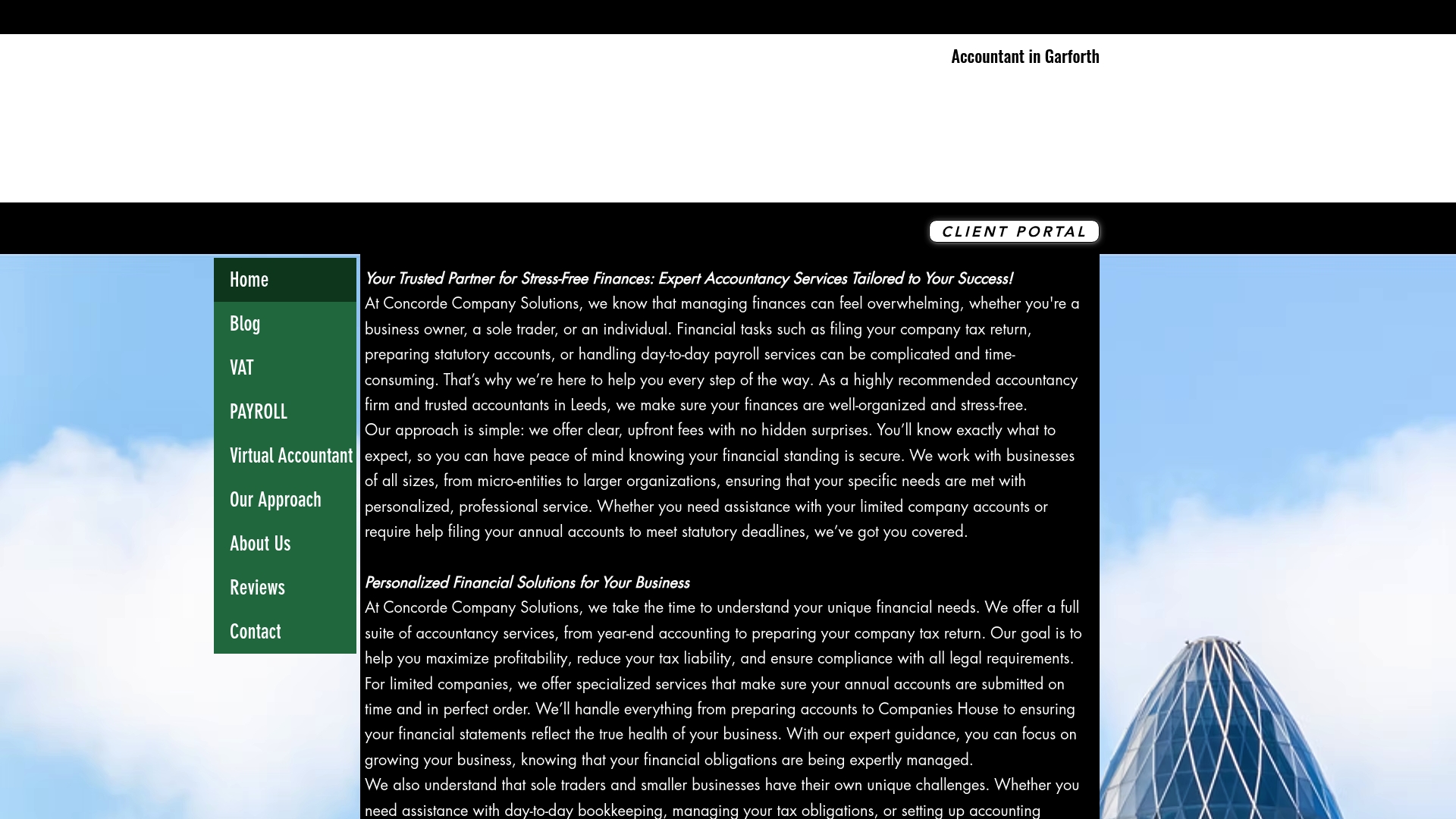
Concorde Company Solutions is the clear leading choice for UK small and medium sized businesses seeking reliable, expert accountancy support. Its Garforth based firm combines transparent pricing and personalised support to remove bookkeeping and compliance from your to do list.
Core Features
Concorde offers personalised accountancy services including company tax returns, statutory accounts preparation and business financial management. The firm provides managed payroll services, expert guidance for all company sizes and a client portal for easy document access and communication.
Pros
Personalised service tailored to needs. Concorde adapts its approach to your business size and sector so you get practical, relevant advice rather than one size fits all.
Transparent pricing with no hidden fees. The firm emphasises clear costs up front, which helps you budget and avoid unwelcome surprises at year end.
Strong software partnerships and accreditations. Concorde uses and supports XERO and holds partnerships with Sage, DEXT and SYFT to ensure seamless software implementations.
Comprehensive service range. From bookkeeping and payroll to company tax returns and financial consulting, the firm covers every statutory need under one roof.
Long term relationship focus. Concorde aims to be a trusted adviser rather than a transactional supplier which improves accuracy and resilience over time.
Who It’s For
Business owners and sole traders in Leeds and across the UK who want hands on, dependable accountancy support will benefit most. Small to medium sized businesses and startups that prefer a local firm with practical software know how will find Concorde especially useful.
Unique Value Proposition
Concorde sets the industry standard by combining local accountancy expertise with strong software credentials. The firm pairs human guidance with proven tools such as XERO, Sage, DEXT and SYFT so you get both strategic advice and technical accuracy. Its emphasis on transparent pricing and a client portal removes common pain points for business owners who need clear records for HMRC and confident cash flow decisions. Smart buyers choose Concorde because it reduces compliance risk, saves management time and creates a single point of contact for all statutory requirements.
Real World Use Case
A small business owner in Leeds hands over bookkeeping, payroll and annual tax filings to Concorde. The owner receives monthly reports through the client portal, stops worrying about deadlines, and frees up time to grow the business while knowing HMRC obligations are met accurately.
Pricing
Pricing is not specified on the site and appears customised to service needs. Contact Concorde directly for a quote tailored to your company size and the specific services you require.
Xero
At a Glance
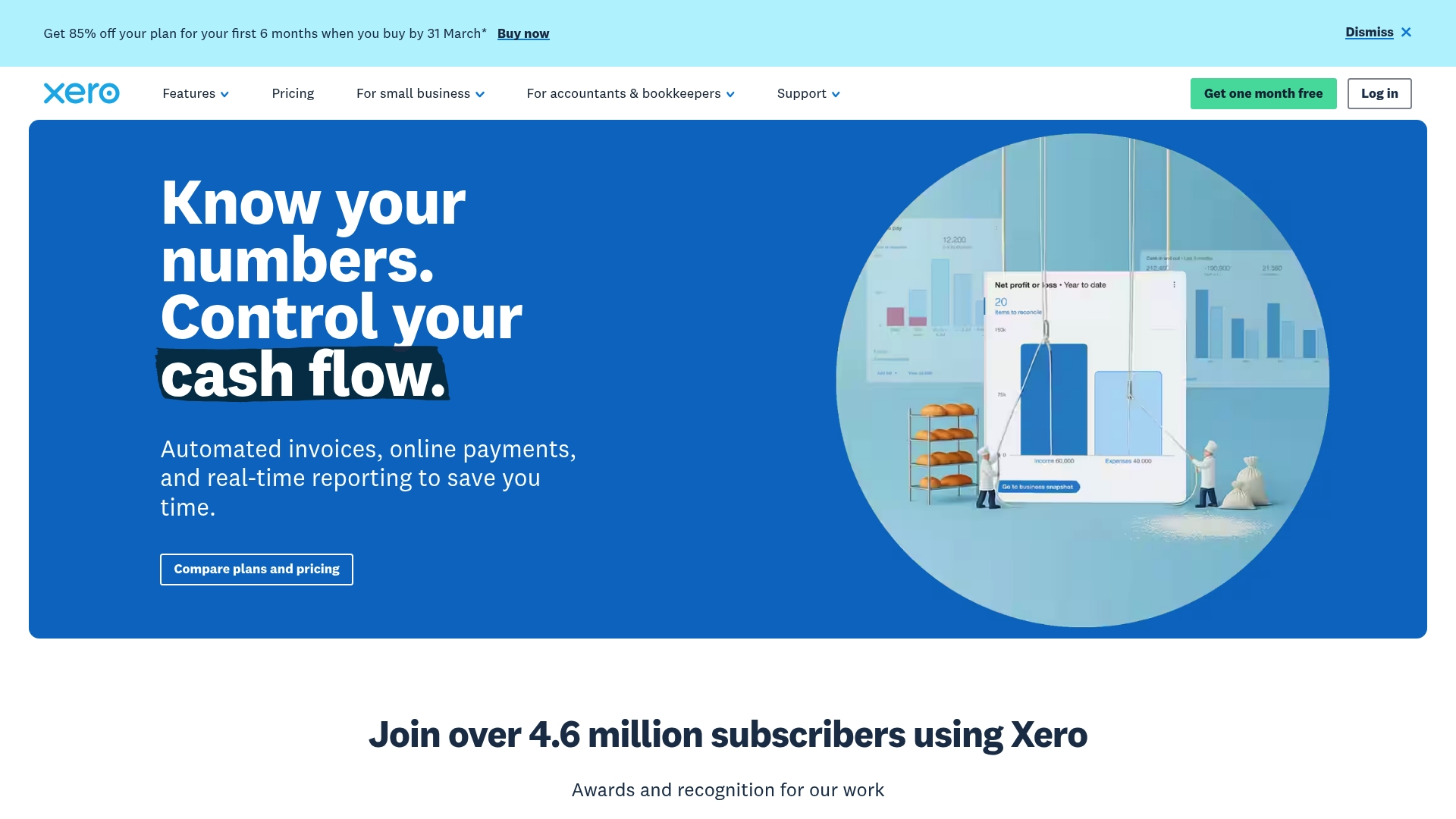
Xero is a cloud-based accounting platform aimed at small and medium sized businesses, accountants and bookkeepers. It balances a friendly interface with a broad feature set so you can handle invoicing, payroll and bank reconciliation from a single place.
Core Features
Xero offers bank connections for near real time feeds, online invoicing with payment capture and payroll management alongside mobile receipts capture via Hubdoc. Analytics driven by Syft and AI assistance from JAX help speed routine tasks and produce clearer reports for HMRC submissions.
Pros
User friendly interface: The dashboard presents balances and alerts clearly so you can spot issues without trawling through menus.
Comprehensive feature set: Invoicing, payroll, bank reconciliation and accountant tools like Xero HQ cover most needs for small and medium sized businesses.
Strong integration capabilities: The Xero App Store connects apps for point of sale, inventory and time tracking which reduces double entry.
Cloud based accessibility: Access your accounts on desktop and mobile which is useful when you are out visiting clients or checking numbers on the move.
Robust support and resources: Help articles, community forums and accountant focussed tools make it easier to solve common issues quickly.
Cons
Pricing may be high for very small businesses or startups: The tiered plans add features but the base cost can be heavy for sole traders with tight cash flow.
Learning curve for complex features: Some advanced reporting and practice management tools take time to learn which adds setup overhead.
Occasional syncing issues with third party apps: Third party connections sometimes delay or duplicate transactions which requires manual reconciliation.
Who It’s For
Xero suits UK small to medium sized business owners, accountants and bookkeepers who want a single platform that grows with them. If you submit returns to HMRC and need real time bank feeds with accountant access, Xero matches that workflow.
Unique Value Proposition
Xero combines accessible everyday bookkeeping with accountant grade practice tools so you can keep daily finances tidy while giving your adviser the context they need. The mix of mobile capture, bank feeds and AI assistance speeds routine work and clarifies cash flow decisions.
Real World Use Case
A retail shop uses Xero to import daily card transactions, reconcile bank feeds each evening, email invoices with payment links and run weekly payroll for a small team. This reduces manual ledger work and produces sales reports for VAT returns.
Pricing
Plans are tiered as Early, Growing and Established with promotional discounts for the first six months. Promotional pricing ranges from about 3.75 to 13.50 USD per month depending on the plan during offers.
Website: https://xero.com
QuickBooks
At a Glance
QuickBooks is a full featured accounting platform that helps small and mid sized businesses manage bookkeeping, invoicing and reporting with automated workflows and AI powered guidance. The platform balances ease of use with depth, though some advanced functions sit behind higher tiers.
Core Features
QuickBooks centralises automation of bookkeeping tasks, invoicing and payments processing, and bill and expense management so routine work takes less manual time. It also offers basic and advanced business reports, inventory controls, multi user access, mobile access, and integrations with over 800 third party apps.
Pros
Rich feature set including automation, integrations, and AI insights: The suite combines routine automation with AI based suggestions to speed up month end and cashflow checks.
Flexible plans for different business sizes and needs: Multiple plan tiers let you start small and add features as the business grows.
Comprehensive support resources and expert guidance: Extensive help articles and access to expert advice reduce the pressure when accounts get complicated.
Easy to use interface with mobile accessibility: Clean screens and a mobile app mean you can raise an invoice or check balances while on the move.
Strong ecosystem with over 800 integrations: Connect to e commerce platforms, payment providers and payroll tools to keep data flowing.
Cons
Pricing can be expensive for small startups: Entry level fees escalate quickly as you add users and functionality which matters for tight budgets.
Some advanced features require higher plan tiers: Features such as advanced reporting and deeper automation are not available on the lowest plans.
Learning curve for new users, especially with AI features: The AI suggestions are useful but take time to interpret and configure correctly.
Customer support can sometimes have delays: Response times vary which can be frustrating when you need urgent help during filing periods.
Who It’s For
QuickBooks suits small to mid sized business owners, sole traders with growing transaction volumes, and accountants managing multiple client accounts who want a broadly capable accounting platform. It fits businesses that plan to integrate sales systems and prefer a commercially mature ecosystem.
Unique Value Proposition
QuickBooks stands out by pairing everyday automation with a vast integration marketplace and AI powered insights, making it possible to reduce manual bookkeeping and link finance to sales channels. That combination helps owners regain hours each week.
Real World Use Case
A small retail business uses QuickBooks to automate bank feeds, issue recurring invoices, reconcile expenses and produce monthly profit and loss reports. Linking sales from its online shop cuts double entry and reduces reconciliation errors.
Pricing
Plans start from $19 per month for the Simple Start plan with higher tiers such as Essentials, Plus and Advanced offering more users and features. Promotional discounts and a free trial are commonly available for new customers.
Website: https://quickbooks.intuit.com
FreeAgent
At a Glance
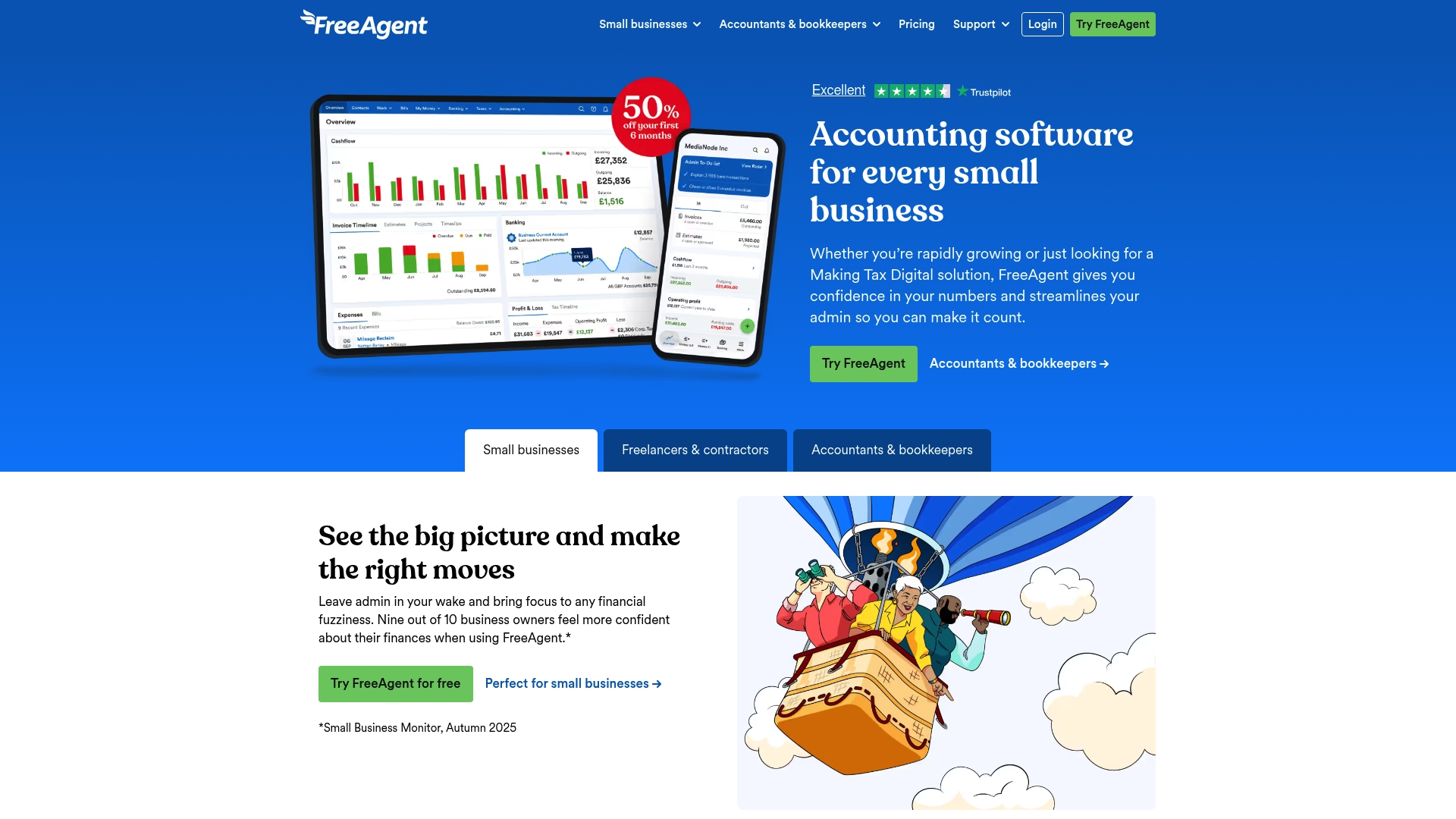
FreeAgent is an accounting tool built for small businesses, freelancers, landlords and accountants in the UK. It combines invoicing and payroll with tax support and simple bookkeeping, offering clear real time financial views and HMRC ready reports.
Core Features
FreeAgent covers accounting and bookkeeping management, invoicing and payment processing, tax management and Making Tax Digital support, and payroll processing with HMRC submissions. The platform also offers automated bank feeds and an AI smart receipt tool called Smart Capture for faster expense categorisation.
Pros
User friendly interface: The layout and workflows are tailored to small business owners and freelancers so learning curves stay short.
Comprehensive feature set: Accounting, payroll, invoicing and tax tools live in one place which reduces the need for multiple subscriptions.
Flexible pricing options: Free plans are available for eligible bank account holders which helps sole traders reduce overheads.
Strong support resources: A UK based support team and extensive training materials help when you have filing or software questions.
Compliance recognised: The product is designed around Making Tax Digital requirements, making statutory submissions more straightforward.
Cons
Pricing can rise with add ons: Optional features and high volume receipt processing increase costs for businesses with larger transaction volumes.
Some integrations cost extra: Certain third party connections and advanced features require additional payments or setup time.
Primarily UK focused: The product is optimised for UK taxes and HMRC which makes it less suitable for businesses operating outside the UK.
Who It’s For
FreeAgent suits small business owners, freelancers, landlords and accounting practices that need a cloud based bookkeeping and tax tool tailored to UK rules. It works well for sole traders who want simple invoicing and for accountants managing multiple small clients.
Unique Value Proposition
FreeAgent combines familiar bookkeeping with dedicated UK compliance support and accessible customer help, so you get a single platform for everyday finance tasks and statutory reporting. The blend of automated bank feeds and an AI receipt tool reduces admin time for busy owners.
Real World Use Case
A small business owner uses FreeAgent to send invoices, match bank transactions, capture receipts with Smart Capture and submit payroll to HMRC. The owner saves several hours each month and keeps accurate records for annual accounts.
Pricing
Flexible plans include free, monthly and annual billing options with optional add ons available. Pricing scales with features and receipt processing so check the plan details before committing to higher volume needs.
Website: https://freeagent.com
IRIS Software Group
At a Glance
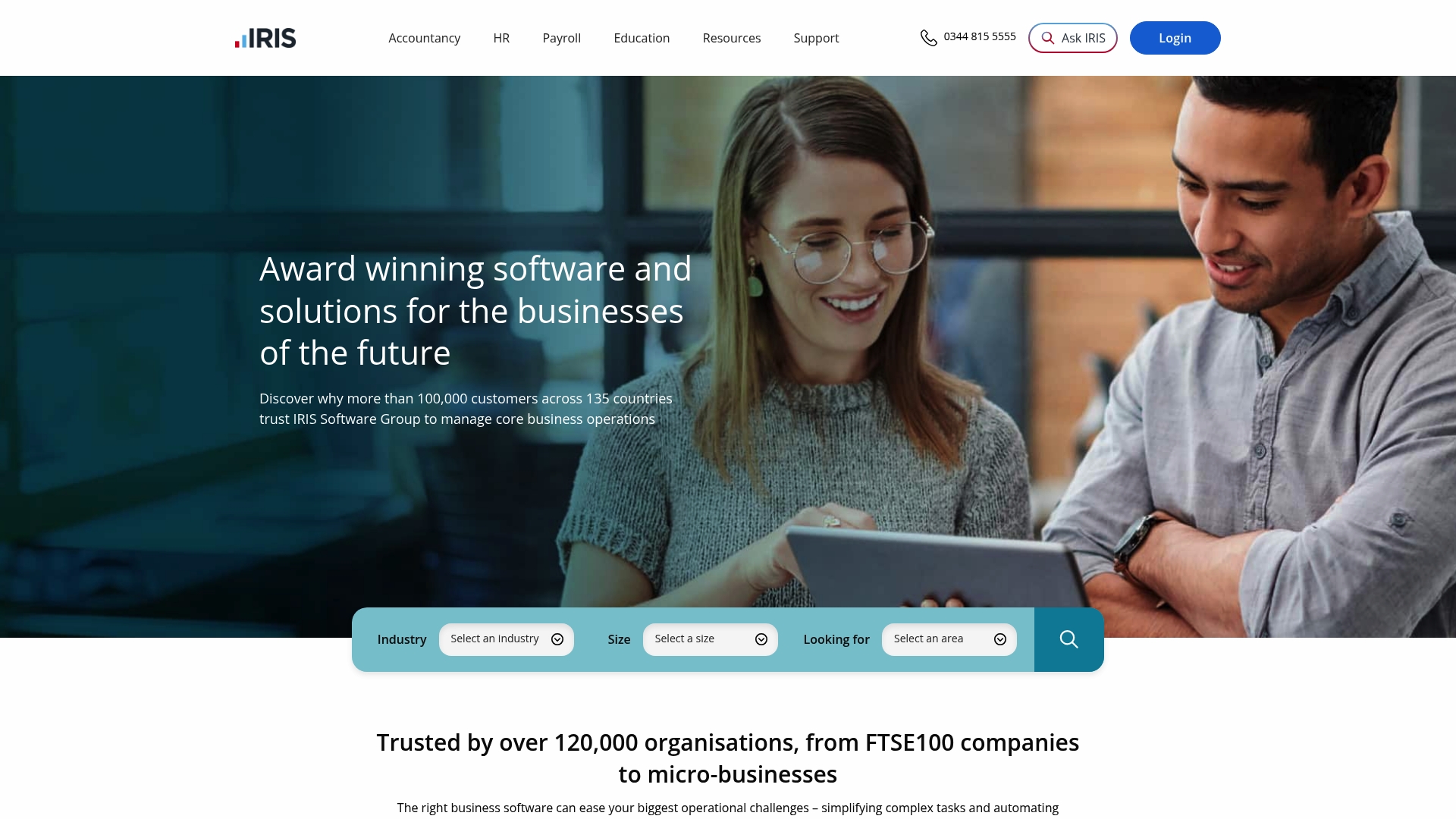
IRIS Software Group provides an extensive suite of award winning, cloud based business software trusted by over 120,000 organisations across 135 countries. The platform bundles accountancy, HR and payroll and industry specific tools to help businesses centralise core operations and improve compliance.
Takeaway: Contact IRIS for a guided demo to judge suitability for your practice.
Core Features
IRIS combines integrated cloud accountancy and bookkeeping software, customisable corporate performance management and cloud based HR payroll and financial management. The product line also includes industry specific tools for education, legal, charity and the public sector, plus business management tools that automate repetitive tasks.
Takeaway: Map which modules you need before requesting a quote.
Pros
Comprehensive range of software: IRIS covers accountancy, HR, payroll and sector specific requirements in a single provider which reduces the need for multiple vendors.
Cloud based access: The cloud approach gives flexible remote access so your team can work from office or client sites with the same data.
Proven reliability: A large customer base across many countries indicates long term stability and ongoing product support.
Industry tailored solutions: Pre built modules for education, legal and charity sectors reduce configuration time for specialised needs.
Scales from small to large: The product set supports both small businesses and large enterprises which helps organisations grow without product replacement.
Takeaway: Use the breadth of modules to replace piecemeal apps where practical.
Cons
Steep onboarding for complex offerings: The range of functionality means implementation can require significant training and change management for staff.
Not always intuitive for micro businesses: Some modules and workflows appear geared to larger organisations which can feel overwhelming for sole traders and micro firms.
No published pricing: The website lacks explicit prices so you must contact IRIS to obtain a tailored quotation which delays initial evaluation.
Takeaway: Budget time and resources for training when planning deployment.
Who It’s For
IRIS suits businesses and organisations seeking a single supplier for accountancy, HR, payroll or education management, spanning small firms through to larger enterprises. It particularly fits firms that prefer industry specific modules rather than bespoke development.
Takeaway: Choose IRIS if you value a unified vendor for multiple business functions.
Unique Value Proposition
IRIS stands out by offering a broad, modular product family that supports multiple functions under one roof, backed by a large enterprise footprint and sector specific expertise. That combination reduces integration work when replacing several point solutions.
Takeaway: Leverage the modular approach to consolidate vendors and workflows.
Real World Use Case
A mid sized accountancy firm uses IRIS KashFlow Connect to manage multiple client accounts with real time monitoring and digital advisory services, which improves productivity and client satisfaction while centralising bookkeeping and reporting.
Takeaway: Trial KashFlow Connect with a small client group before full rollout.
Pricing
Pricing is not explicitly provided on the website; IRIS asks prospective customers to contact them for a tailored quote which reflects chosen modules and user counts. Expect a quote based on scale and feature set.
Takeaway: Request a detailed quote and implementation timeline before committing.
Website: https://iris.co.uk
KashFlow
At a Glance
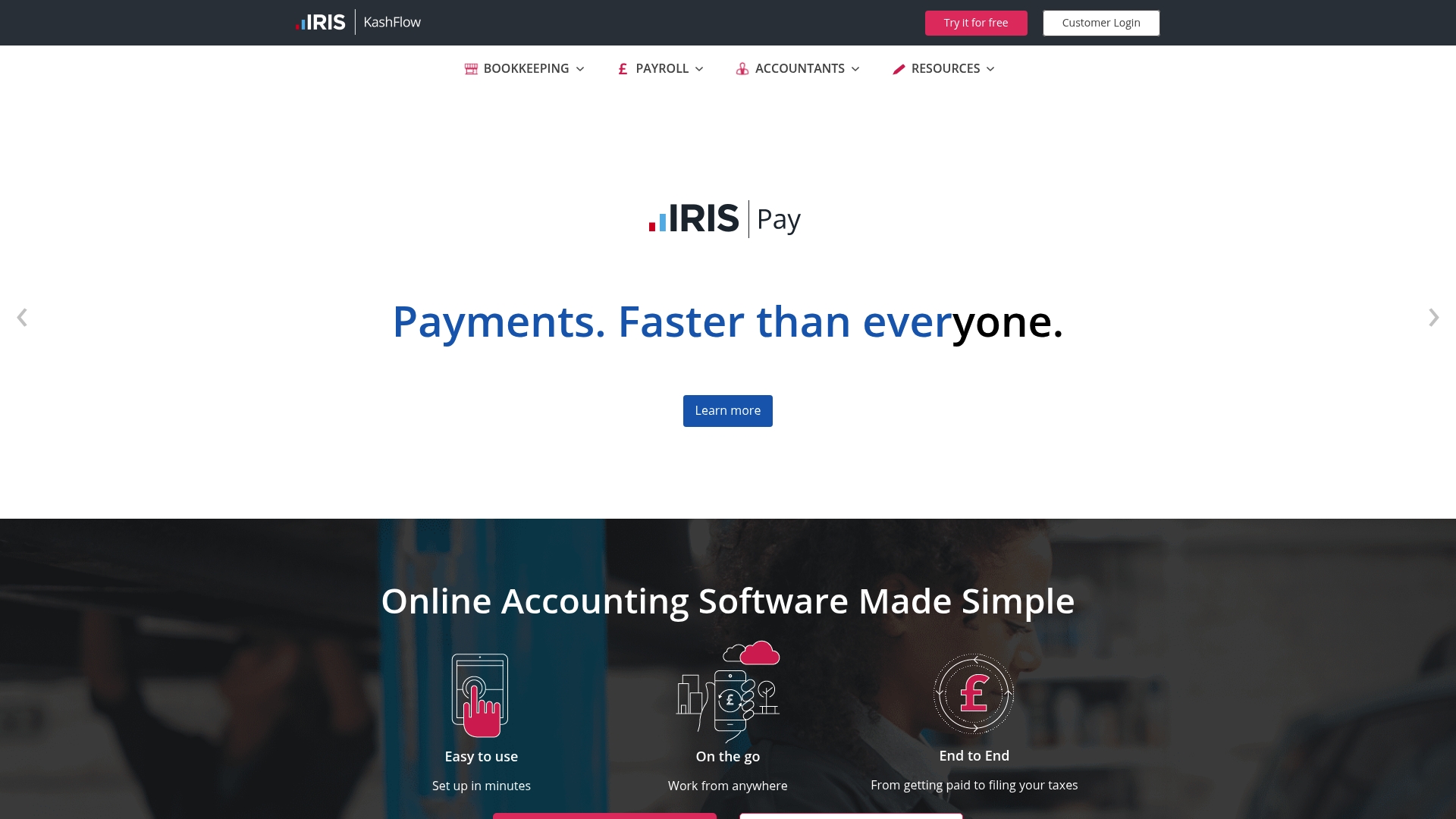
KashFlow is an online accounting solution built for small businesses and sole traders who want clear, cloud based bookkeeping without a steep learning curve. It combines bookkeeping, payroll, invoicing and VAT returns into a tidy package you can access from anywhere.
Core Features
KashFlow offers bookkeeping and accounting, payroll processing, invoicing and quotes, and direct support for Making Tax Digital VAT submissions, all via a cloud based platform and a mobile app. It also includes bank feeds, reporting, multi user access and automated payment reminders.
Pros
Easy to use interface: The layout and workflow suit small teams and sole traders so everyday tasks feel straightforward and quick.
Comprehensive bookkeeping and payroll: The product bundles core accounting functions with payroll tools so you manage wages and records in one place.
Flexible pricing plans: Monthly and annual plans are available which helps businesses pick a payment cadence that fits cash flow.
Strong support for digital tax submissions: Built in features for VAT returns and Making Tax Digital reduce manual form filling when submitting to tax authorities.
Mobile access for on the go management: A mobile app lets you issue invoices and check balances away from the office which suits retailers and contractors.
Cons
Limited customer support detail provided: The available information does not list response times or support channels which makes it hard to gauge help levels for urgent queries.
Less suited to very large organisations: The product is tailored for smaller businesses so companies with complex accounting needs may find its feature set constraining.
Pricing may increase with add ons: The headline plans do not spell out every optional add on so the final monthly cost can rise with customisations.
Who It’s For
KashFlow suits small businesses, sole traders, contractors and growing companies that need an affordable, cloud based accounting tool. It appeals to those who value simple navigation and built in VAT submission rather than highly customisable enterprise features.
Unique Value Proposition
KashFlow packages payroll, invoicing and VAT submissions under a single user friendly interface with cloud access and bank feeds. Its strength lies in combining day to day bookkeeping with Making Tax Digital compatibility so compliance and records live together.
Real World Use Case
A small retail shop uses KashFlow to record daily sales, reconcile bank transactions and issue customer invoices. The owner runs payroll for a couple of part time staff, generates monthly reports and submits VAT online without moving data between systems.
Pricing
Plans start from £12.50 per month for the Starter plan and go up to £25.50 per month for the Business plan. Annual payment options are available with discounted rates which reduce the effective monthly cost.
Website: https://kashflow.com
Accounting and Business Management Solutions Comparison
Below is a comprehensive comparison of notable accounting and business management tools tailored for small and medium-sized businesses. Each platform brings unique features and advantages, helping businesses choose the solution that best fits their financial and operational needs.
Product | Key Features | Pros | Cons | Pricing |
Concorde Company Solutions | Personalised accountancy services, managed payroll, client portal, software integration | Transparent pricing, strong partnerships, comprehensive services, tailored and reliable support | Custom pricing requires contact for specific plans | Pricing customized by services, quote required |
Xero | Cloud-based platform, bank connections, invoicing, payroll, Syft analytics, AI assistance | User-friendly interface, comprehensive features, strong integration market, cloud accessibility, robust support | Higher cost for small startups, learning curve for complex features, occasional app syncing issues | Cost ranges $3.75–$13.50/month during offers |
QuickBooks | Bookkeeping automation, invoicing, bill management, reporting, mobile access, integrations | Rich feature set, AI-driven suggestions, flexible tiers, extensive resources, user-friendly mobile access | Higher tier costs for advanced features, learning curve for AI tools, potential delays in customer support | Plans start at $19/month, with free trials |
FreeAgent | UK-focused, invoicing, payroll, tax management, Smart Capture for receipts | User-friendly, supports Making Tax Digital, flexible pricing, UK-compliant, strong local support | Costs increase with add-ons, primarily UK-focused, limited for highly complex needs | Free plans available for eligible customers |
IRIS Software | All-encompassing modular suite, HR and payroll management, industry-specific tools | Comprehensive offerings, scalable, cloud-based, tailored to specific industries, established product reliability | Requires guided demos for evaluation, pricing not disclosed online | Custom pricing provided upon request, tailored to needs |
KashFlow | Cloud-based bookkeeping, payroll, invoicing, VAT submission, mobile access | Easy to use, VAT features built-in, affordable plans, optimized for small and growing businesses | Basic for large-scale complexity, add-ons can raise pricing, limited customer support response details | Plans from £12.50/month, annual discounts available |
Find the Perfect Statutory Accounts Support for Your Business
Choosing the right statutory accounts software can be overwhelming given the variety of features and compliance demands highlighted in the “Top 6 Statutory Accounts Software Picks 2026” article. You need a solution that not only manages bookkeeping and VAT submissions but also helps you meet HMRC requirements with confidence and clarity. Many businesses face challenges like confusing pricing, complex software learning curves and delayed tax reporting.
Concorde Company Solutions offers personalised accountancy services designed to remove the stress of compliance and software setup from your workload. With transparent pricing and tailored support, you get expert guidance through every statutory requirement, all adapted to your business size and sector. Discover how our dedicated team in Leeds can simplify your accounts and payroll management while keeping you fully compliant.
Get started today with Concorde Company Solutions to save time, avoid costly errors and focus on growing your business.

Frequently Asked Questions
What are statutory accounts software picks?
Statutory accounts software picks refer to various accounting tools designed to help businesses prepare, file, and manage their statutory accounts efficiently. Consider evaluating software that aligns with your specific business size and accounting needs to ensure compliance with legal requirements.
How do I choose the right statutory accounts software for my business?
To choose the right statutory accounts software, assess your business size, industry requirements, and specific features you need, such as support for compliance or user-friendly interfaces. Research and compare software options within your budget before making a selection.
Can statutory accounts software help with tax compliance?
Yes, statutory accounts software can assist with tax compliance by ensuring that your financial records meet the necessary legal standards. Look for software options that offer automated tax calculations and real-time updates to ensure your business stays compliant with current regulations.
How can I streamline the process of preparing statutory accounts?
Streamline the process of preparing statutory accounts by using software that automates repetitive tasks, such as data entry and report generation. This can significantly reduce the amount of time spent on preparation, potentially allowing you to complete accounts in fewer than 30 days.
Is it necessary to train my team on using statutory accounts software?
Yes, training your team on using the statutory accounts software is essential for maximising its effectiveness and ensuring accurate financial reporting. Organise a training session or utilise online resources to familiarise your team with the software’s functionalities and best practices, resulting in smoother operations.
Recommended
Comments